Making of 16-bit inspired drawing (Failed)
Progress of maknig of 16-bit inspired drawing, especially based on PC-98, one japanese computer series, check more info from wikipedia since I actually have zero knowledge of PC-98......
Important mention
This blog post mentioned PC-98 and its games based on the computer. However, adult and sexual themes were common in PC-98 games, although I don't show any adult contents in my website, but some of outside links any lead to suggestive, even sexual topics, keep it mind and be careful if you're looking for PC-98 contents.
Hi hiya!!!!! It's been late since the Christmas ended, this blog was supposed be post after finish my Christmas drawing in December in 14th, then my in-home job hitted me and I got freebies commission to draw, so I don't have any engry (Or lazy ass) to write this article, plus my brain is too empty for thinking for any words to wrtie. The original idea was started in this year's summer, it was going be draw in traditional way such like coloured penclis, since I hadn't draw in traditional in years...... Until I learned of PC-98 pixel arts.
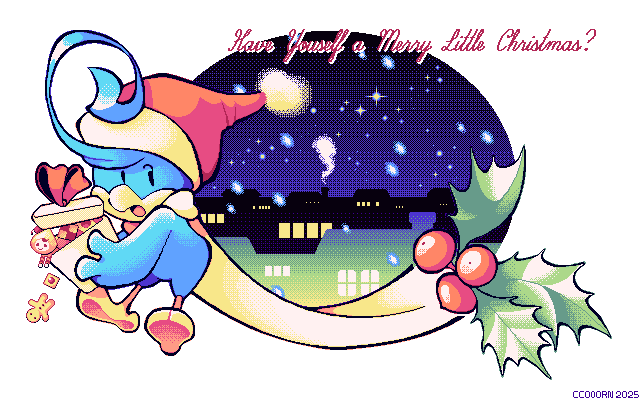
If you want to view this drawing on actual old hardware such like PC-98, there's BMP and MAG versions for ya, hopefully it really works on actual PC-98 since I don't have one (^^;)
How did I know PC-98 artworks & obsessed with it
In February, a video by Kellybadakdesign (Include suggestive images) appears on my facebook feed, yeah yeah I know it's a very dumb way to know a old-school technology, even this video is talking about PC-98 pixelart more like PC-98 itself, but as a sucker of pixel art, especially found out 8-bit retro-style exists on internet since young. I begin to digging into more pixel arts from PC-98, such like a trend on gaming forum NeoGaf (Include suggestive images), before I moved on and almost forget about PC-98 pixel art.
Then comes to December, a website called Retro Gallery pops to my life, which is artwork showcase from old technologies such like commdore 64, even PC-9800 and more! I finally got interested with PC-98 pixel arts, even limited to 16-bit and dithering, PC-98 artists still have their superpower to making colourful pieces, no matter high-detailed or doodle & hand draw-like...... Speak of PC-98, I even found animated show (Based on the original manga although I hadn't watched) called 16-bit Sensation, it's talking about a making of galgame mostly but it also mentioned PC-98, unfortunely I'm not a fan of the trope, since I want to see how people drawing on PC-98 back then! But it's one of pushes to PC-98 pixel art obsession. (?)
Hopefully I wouldn't lost interest again like February and how I got hyperfixation into medias...... (Expect Kururin series, which is my main obsession since middle school)
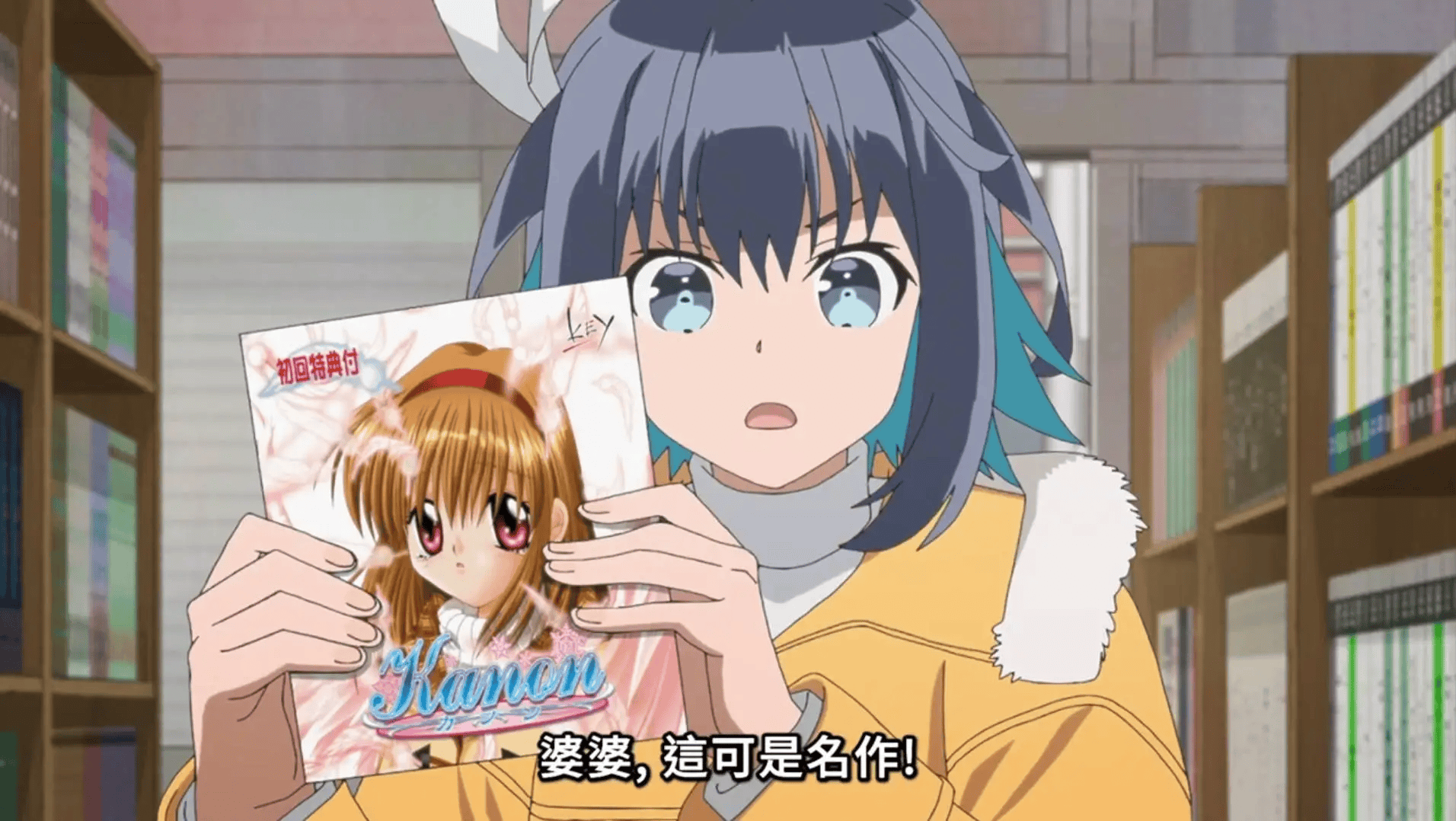
↑↑ Screenshot from the animated show "16bit Sensation: Another Layer", about the protagonist holding a game "Kanon" (Which originally is an adult game), explains the game to the shopkeeper, I can't spoiler more although lmafo
Drawing progress!
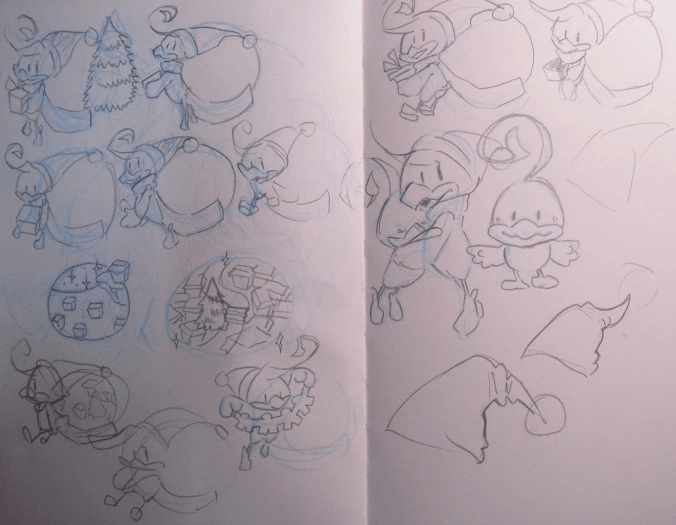
First ever sketches on paper, I ended up to choossing him holding a giftbox since I really no idea which prefect to draw, although drawing him with young himself is sounding adorable, but by the drawing size, I worry it takes up too much places...... Also you can see the background ends up becoming different since screw my art skill, I kinda regret about not pushing myself tho.
For next, most progress are drawn with 256 colour-based pixel art program called Edge by Takabo soft.
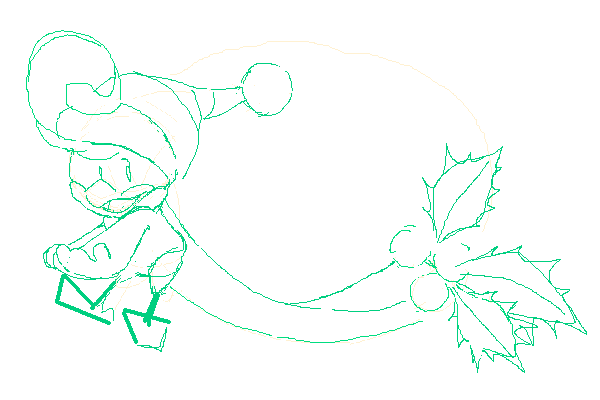
Sketch on edge with different colours, nothing special yep......
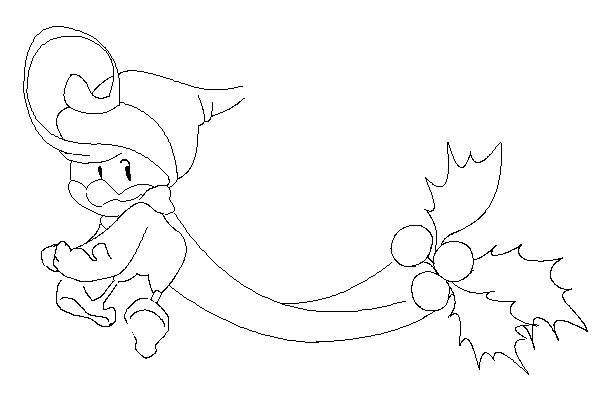
Draw the messy outline before clean it out!
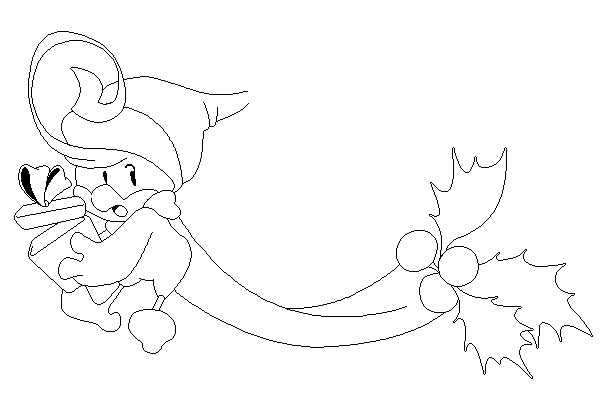
Cleaning the outline, draw with a touchpad is such a pain since I don't have a mouse yep, and edge is table unfriendly, I waste 5 hours to struggling with outline and still stuck, so move to Clip Studio Paint because I have enough with that!
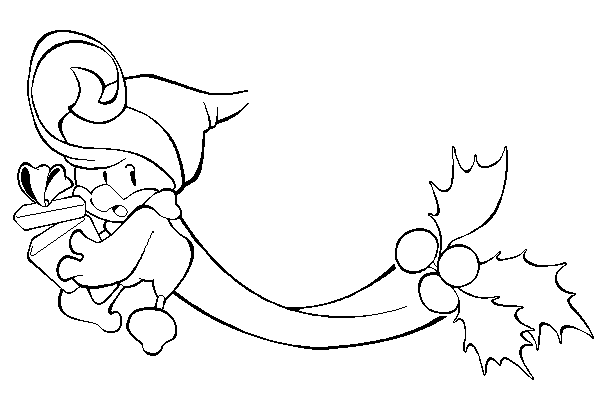
Adding more weight for outline! Which based on a tutorial by Momoshin, and makes it looks more like my artstyle.
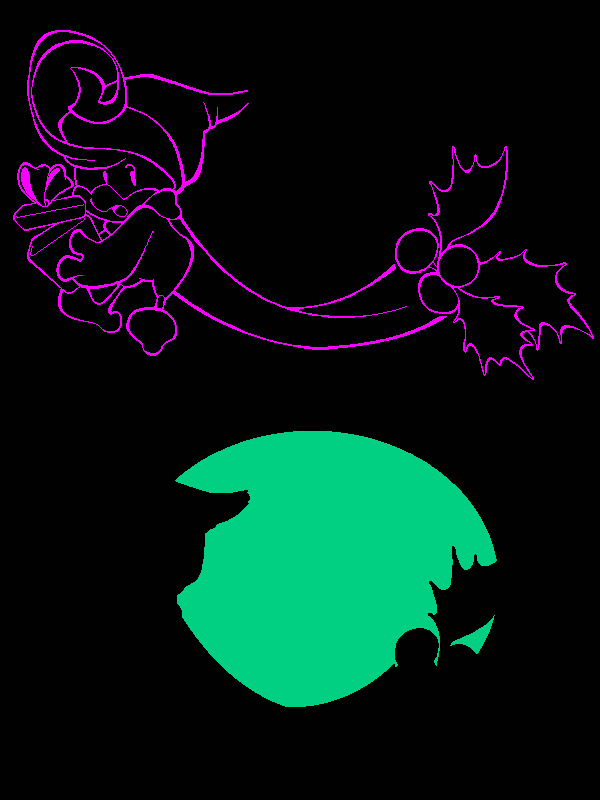
Save two type of images: outline and background, since edge don't support CSP's layer, I also use black for edge's default transparent colour.

Finally back to Edge, now adding some colours and shading!

Then dithering and AAs (Anti-Aliasing), about giftbox items, I use the reference from Idol Project 2.

Move on to background, then finish!
Change the drawing size for PC-98 like, after realise I set it 600x400 instead of 640x400, which is screen size of PC-98.
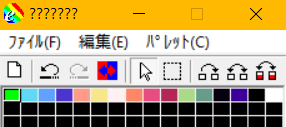
Colour patterns I use! Btw sadly edge is fully japanese, so many words are just question marks......
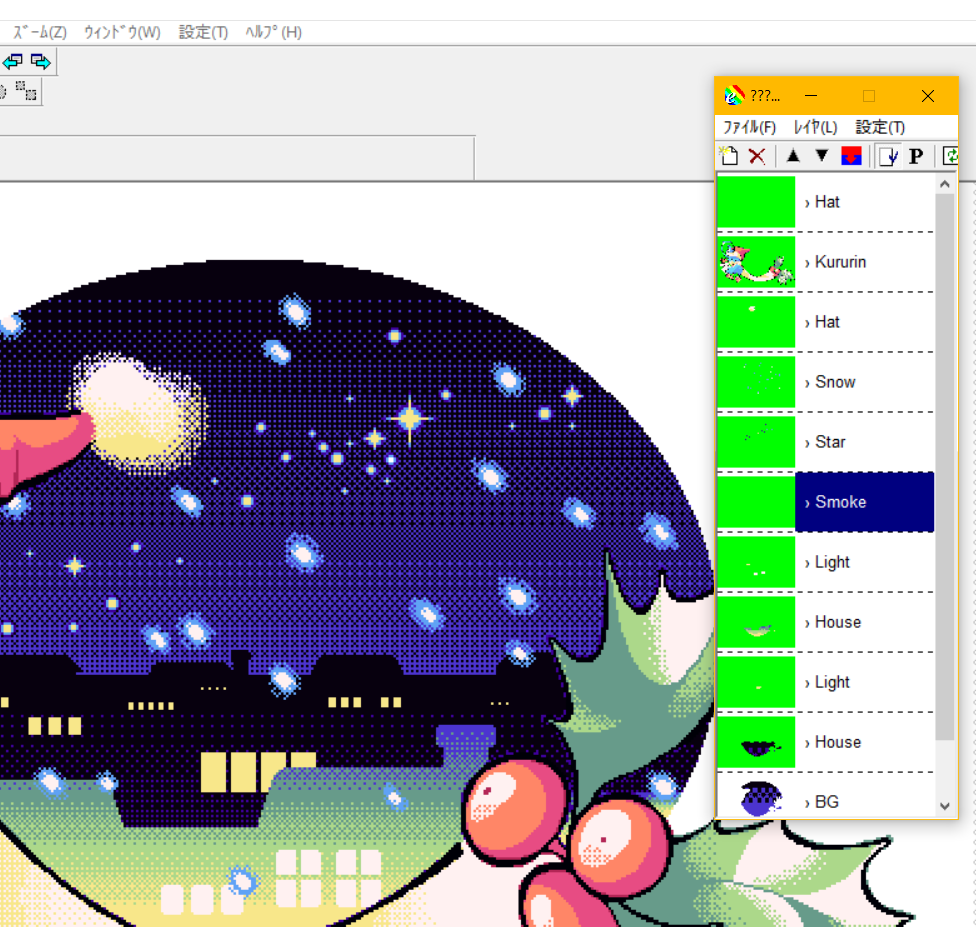
Fun fact: This screenshot is my old layers before I save it to bmp (Was didn't know bmp don't support layers), when I restart the edge since it got some problem, the background got covered up by another layer which is full white...... So I had to redraw the whole background again.